
Libby - eBooks & eAudiobooks
ePukapuka is a collaborative library collection available in 21 lower North Island libraries.
It offers a wide range of eBooks, eMagazines, and eAudiobooks for download, allowing you to enjoy reading at any time, day or night.
You will need your Libraries Tararua membership number and PIN/password to access ePukapuka or Libby. If you're not a member, join online for free. If you have any issues logging in or getting started, please contact us or come and visit.

Please note: From 20 November 2025, existing Libby users will need to verify their account by entering their library card and PIN/password. An instructional PDF is available: Verifying your library card in Libby
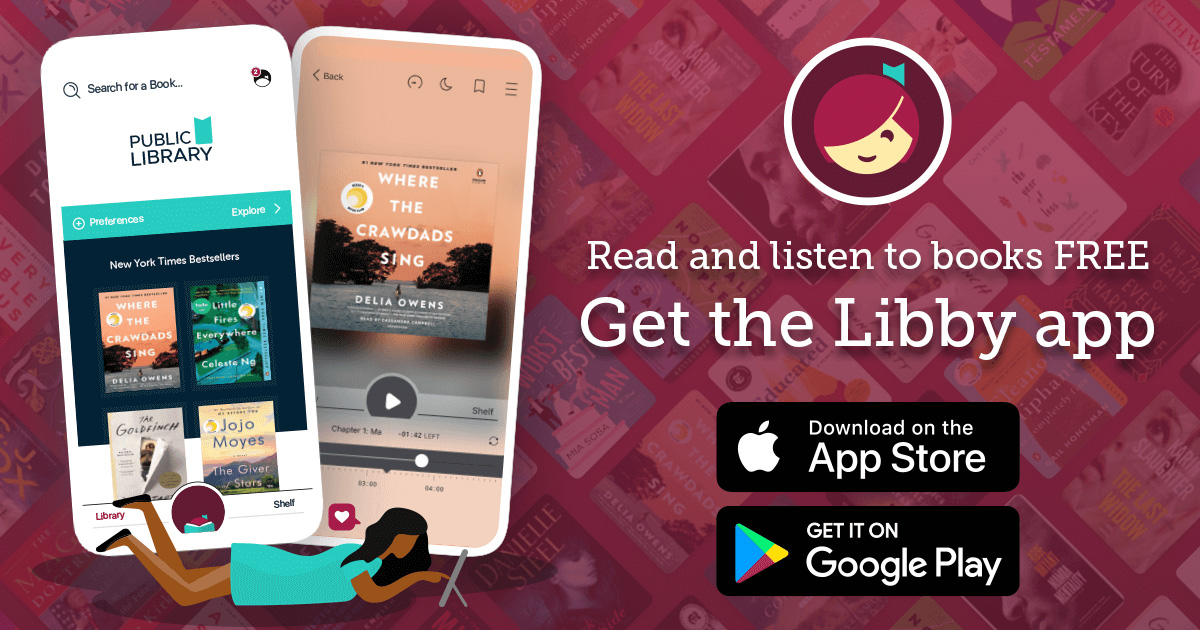
Libby provides eBooks, eAudio and eMagazines. It is compatible with smartphones, tablets, PCs and all ebook readers except Kindle.
Download the free Libby app, or use their website. Search Tararua to find Tararua District Library then login using your library card number and password.
We belong to the lower North Island Overdrive consortia ePukapuka, so hold lists can be very long. Please try using Borrow Box as well.
Step 1: Install the Libby app from your device’s app store Google Play, Apple Store or visit ePukapuka.
Step 2: Open the app and say yes to having a library card, search Tararua. Select “Lower North Island, Libraries Tararua”.
Step 3: Enter your card number and password and click Sign In. If you don't know your password/pin, visit our catalogue site, click login then Forgotten your Password to receive an email to reset it.
Step 4: Browse our collection and borrow a title. Borrowed titles appear on your Shelf and download to the app automatically.
Once you borrow a title on the app, it will automatically download and can be accessed offline. If your item is nearing its due date, you might be able to renew it or place a hold for a reissue. Additionally, you have the option to recommend titles for the library to consider purchasing.
The Libby app was created by OverDrive for seamless access to eCollections on your device. Borrow a title from OverDrive via the Libby app to download it directly to your mobile device as an EPUB or PDF file.
Get started with the Libby app created by OverDrive on your smartphone, tablet, computer or compatible eReader with our quick Libby set-up guide.
You can also download eBooks to a dedicated eReader by following these steps.
Download the app from Google Play or Apple Store today, or try the Libby app in your browser.



- Borrow up to 20 titles at a time.
- Choose your loan period (7, 14, or 21 days).
- Place up to 20 holds on popular eBooks and eAudiobooks, and receive a notification when they're ready to borrow. There are no holds queues for eMagazines.
- Renewal is available three days before the loan period ends as long as there are no holds on the item.
- Loans are automatically returned on the due date. You can also return items early.
The team at Libby by OverDrive can help you directly, use the following request form - Request Libby support
Existing Libby users will need to verify their account by entering their Libraries Tararua library card number and pin/password.
Follow these simple steps to verify your card in the Libby app:
1. Open the Libby app on your device.
2. Tap the Menu icon.
3. Tap Verify Card under "For Your Attention" section.
4. Tap Verify Card again and then enter your library card number and PIN.
5. If you are still having trouble, please contact us
An instructional PDF is available: Verifying your library card in Libby