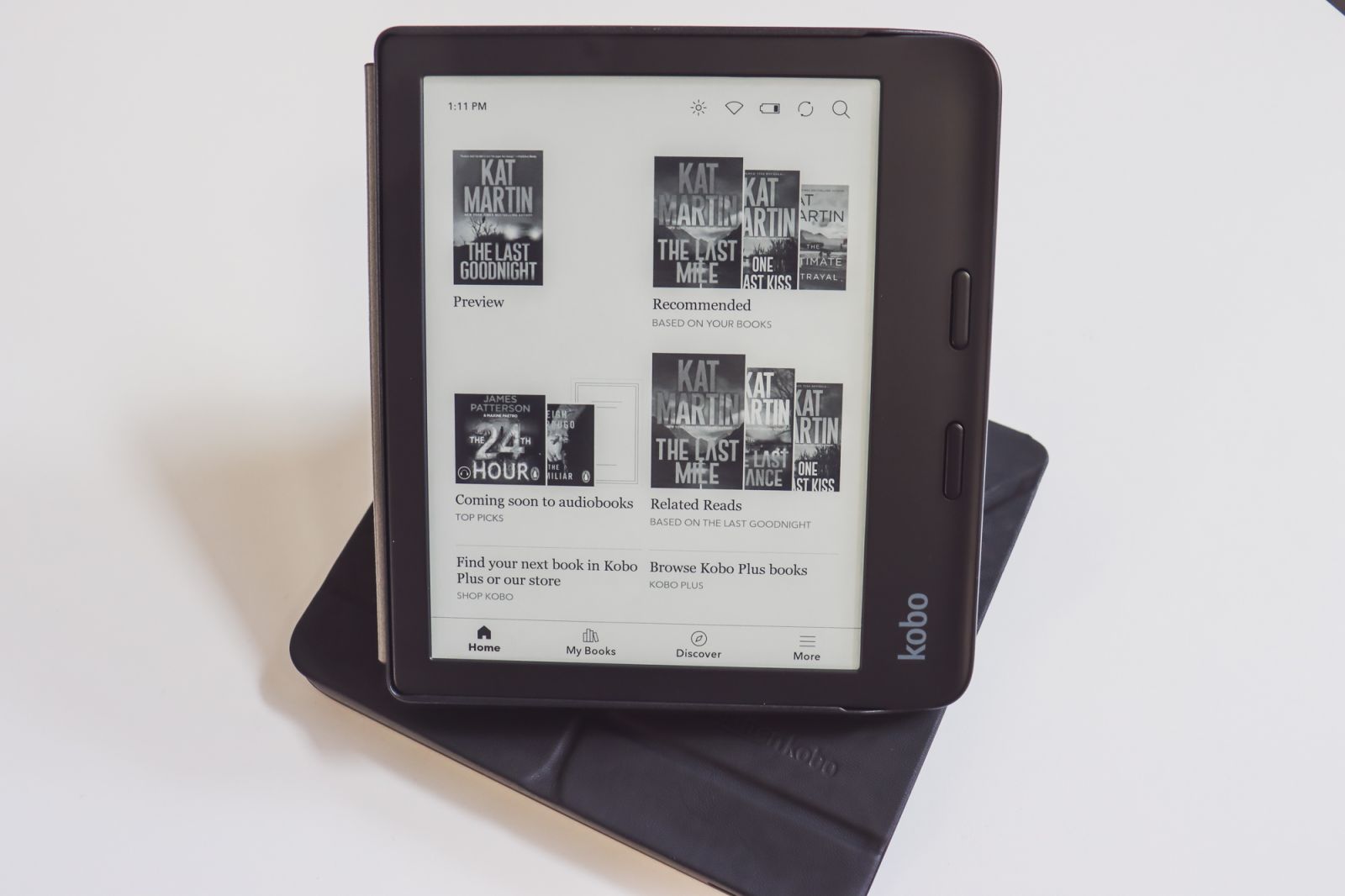

Using Kobo eReaders With eBooks
E-readers provide various practical benefits, opening up a realm of literary enjoyment for readers.
They are lightweight, compact, and much slimmer than traditional books, fitting comfortably in your hand or pocket. A fantastic feature of E-reading is the ability to quickly access word meanings. Simply tap on a word to instantly find its definition. Another great feature is that they come with a built-in light feature, allowing you to read in the dark and adjust the screen brightness.
E-readers also allow you to easily customize the font size to suit your reading comfort, even opting for large print. Many e-readers also offer dyslexic suitable fonts.
Navigating eBook readers is a breeze. Simply connect the device to Wi-Fi, create an account or login into Libby or BorrowBox, and away you go. Stuck connecting it to Libby or Borrowbox? Bring it with you to the library and we'll assist if we can (note, there may be a wait should the library be busy).
NOTE: Kindle E-Readers are not compatible with free library ebooks at this time.
Go to your Kobo home screen.
- Tap the More icon at the bottom of the screen.
- Tap Settings.
- Tap OverDrive.
- Tap Get Started.
- Tap Sign in to OverDrive (Libby), search Tararua and tap Libraries Tararua.
- Tap Sign in on this device.
- Under "SELECT YOUR LIBRARY FROM THE LIST BELOW" tap Libraries Tararua.
- Enter your Library card number and pin and tap Sign In, enter the name Libraries Tararua and tap on the name.
- Go to your Home screen.
- Tap the Search Magnifying glass at the top of the screen.
- Change Kobo Store to OverDrive then Search for the book that you'd like to borrow.
- Tap on the book title or cover that you'd like to borrow.
- Tap the three dots … More icon.
- Tap Borrow with OverDrive.
If the book is available, you'll see a dialogue that confirms that you've checked out the book. If the book isn't available, you'll have the option to place the book on hold. You'll be notified by email when the book is available.
Items you've borrowed are automatically returned at the end of their lending period.
If you need support with using your Kobo, and cannot find answers on the Kobo Help Centre, you can bring your devise to us and we'll do what we can to help.